Learning Technology Services
Resources and Services
The ODLT Learning Technology team is dedicated to supporting faculty, staff, and students with their use of supported academic learning technologies. Our experienced staff can support and assist with any of the tools on our Learning Technology Tools Page. We are always eager to assist with troubleshooting and resolving issues, provide training in a one-on-one or group setting, and discuss how technology can enhance the learning experience. For troubleshooting or support, please email ITHELP@clemson.edu or select one of the consultation options below. If you have any additional questions or are unsure which category your request falls under, please email odlt@clemson.edu for further assistance.
Consultations
Book a one-on-one consultation for help with tools and resources like Canvas, quiz design, proctoring solutions, Zoom, Canvas Gradebook, Canvas course setup, Kaltura, Turnitin, Academic Integrity, iClicker, Polling, Accessibility, Zoom, and Webinars.
Accessibility & Captioning
ODLT provides design support and collaborates with campus stakeholders to improve the accessibility of Clemson University's online, hybrid, and blended courses and video captioning.
Learning Tools
ODLT supports online instruction with tools that can promote active learning, organize course content, and generally make teaching with tech easier. Find the information you need to get started with a variety of teaching and learning tools.
Zoom Webinars & Events
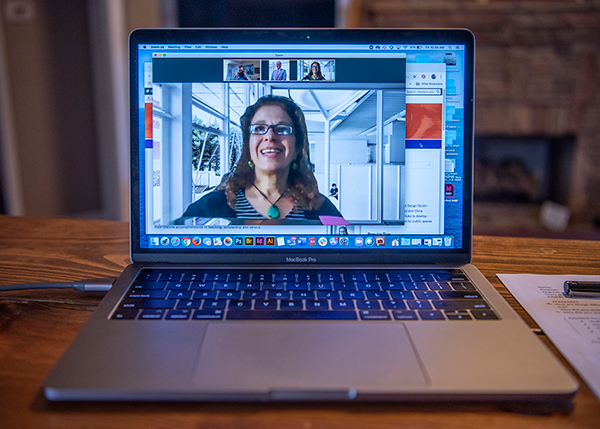
Hosting a large virtual meeting?
Hosting a large virtual meeting? We have Zoom options! If you need a virtual meeting space that can support more than 300 participants or need to further limit participant communication capabilities, then a Large Zoom Meeting or Zoom Webinar may be appropriate for you.
Please review the differences between Zoom Meetings and Zoom Webinars to confirm which you need.
- If you determine that you need a Large Zoom Meeting, email IThelp to apply for a Zoom Large Meeting license instead.
- If you determine that you need a Zoom Webinar (which is a separate product), apply for Zoom Webinar access through this Qualtrics form and refer to Zoom's Support Center for directions on how to use it.
