
Lists in Outlook
To start a numbered list, begin writing a new line with "1. ". To start a bulleted list, begin writing a new line with "* ". Add text and press Enter. Outlook will detect the list, format it programmatically, and continue its sequence.
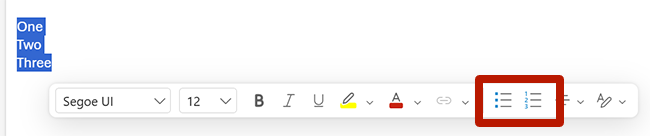
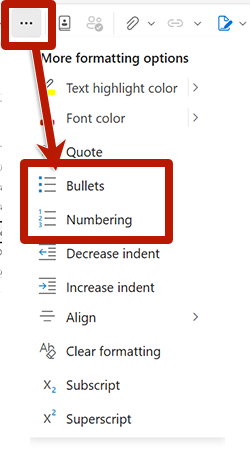
To convert existing lines of text into list items, highlight the lines and then select the desired list button from the toolbar.