
Links in PowerPoint
To create a link:
- Select the link text.
- Right-click the selected text.
- Select Link from the context menu.
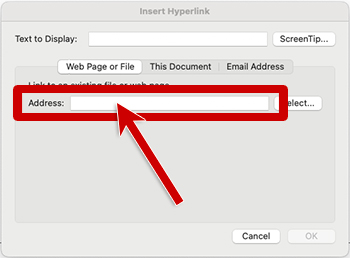
- Enter the link URL in the Address field.
- Select OK.
- Select the link text.
- Right-click the selected text.
- Select Hyperlink… from the context menu to open the hyperlink dialog.
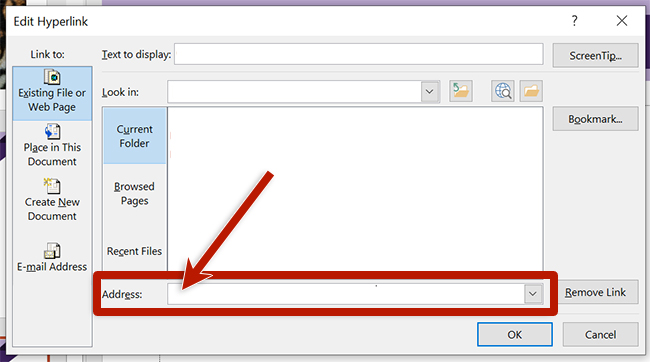
- Enter the link URL in the Address field.
- Select OK.
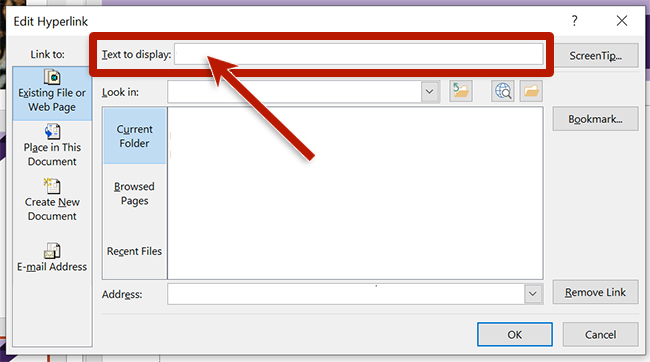
PowerPoint will automatically convert URLs to links. To provide descriptive link text for a URL, right-click the link and edit the hyperlink. Enter the descriptive text in the Text to Display field of the hyperlink dialog.