Welcome, Tiger! Learn How to Add Your Mobile ID!
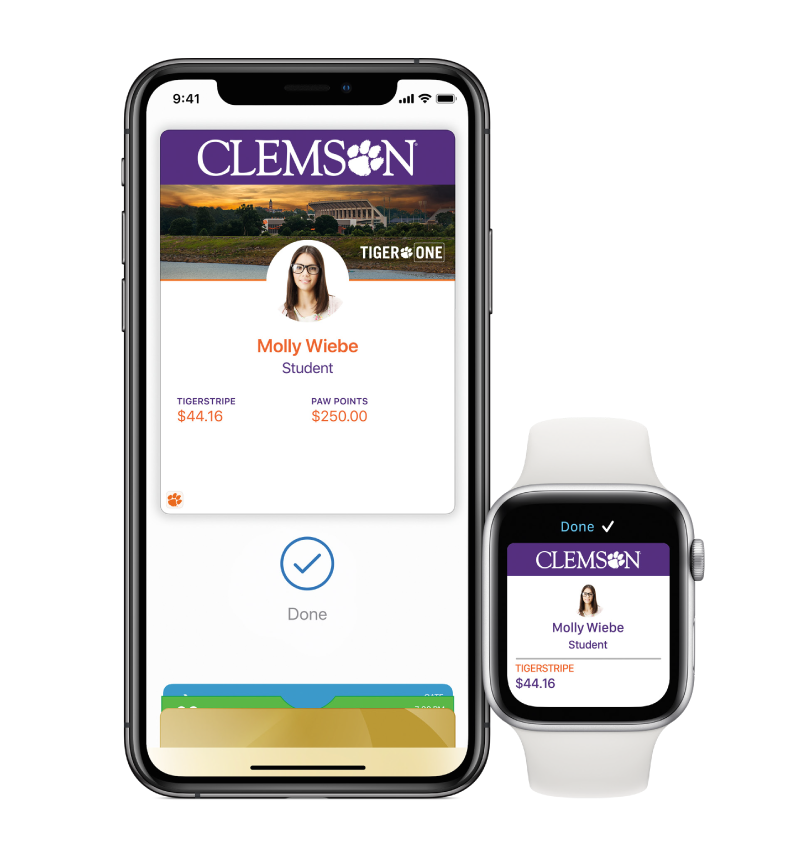
Add Your TigerOne ID to iPhone
Add Your TigerOne ID to Android
Get Your TigerOne ID
Get your first TigerOne ID or transfer your TigerOne Mobile ID to a new device. Please ensure your Mobile device is compatible before selecting Mobile ID otherwise you may need to purchase a physical ID.
Building Access
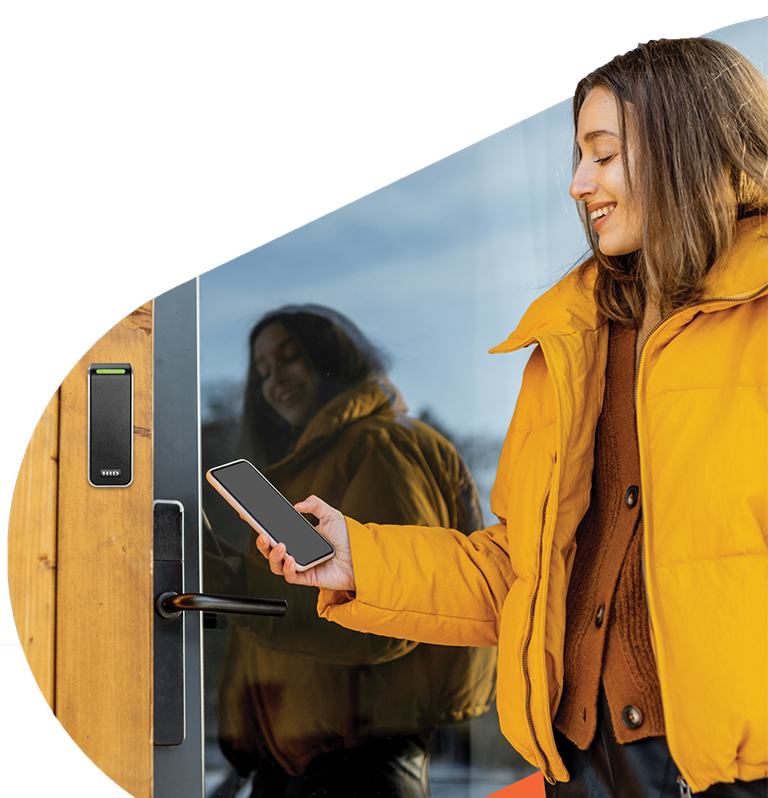
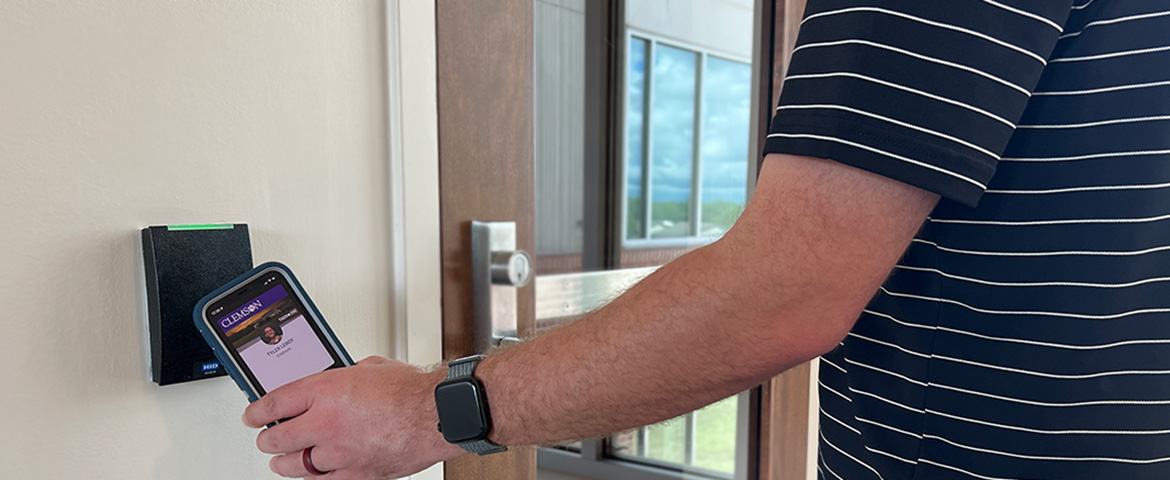
While some buildings are open to the public without ID access, throughout campus, you will encounter various access control readers that will require you to tap your TigerOne ID to gain entry.
Change Your Preferred Name
Change your first name to your preferred name. Your preferred name is what will appear as your first name on your TigerOne ID.
BSC Support
Are you a Building Security Coordinator who needs assistance with management of access? Visit the BSC portal to learn various policies and procedures for managing your building.
Get Your Student ID
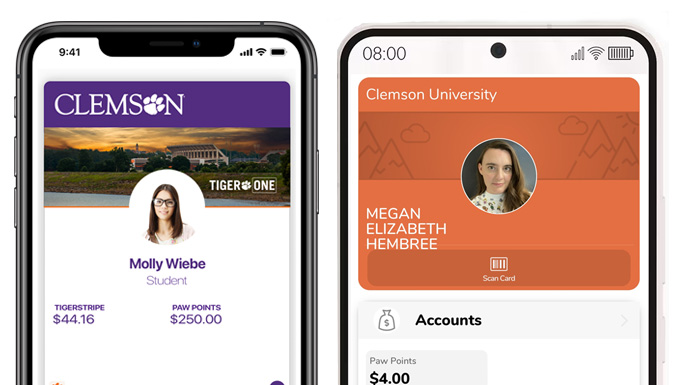
Students are eligible for their first ID at no charge. Both the Mobile ID and Physical ID are considered Official University IDs, and your initial selection is considered your first free ID.
Get more info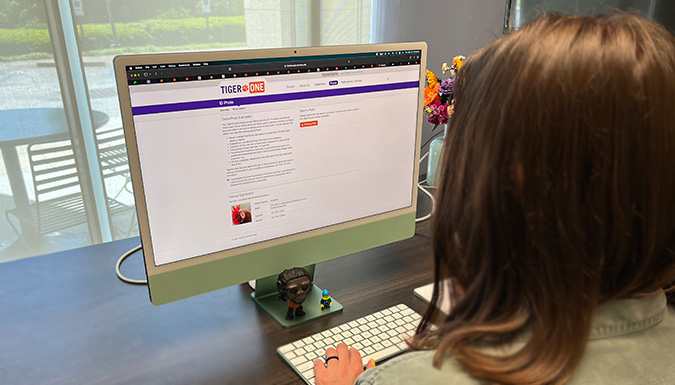
New Year, New Photo
Did you know that you can update your official Clemson identification photo every year? Keep your TigerOne Mobile ID photo up-to-date by submitting a new photo online!
Upload a New Photo